Ways to Watch WTTW
 America's Test Kitchen
 Chicago Tonight
 Ken Burns
 Chicago Tours with Geoffrey Baer
 Chicago Tonight
 Sanditon on Masterpiece
 WTTW Kids
 Finding Your Roots
 Mr. Rogers' Neighborhood
Ways to Watch WTTW
You can find WTTW on all of your favorite devices in any format you choose, traditional over-the-air broadcast TV, online, and on the PBS Video app for mobile, smart TVs, and streaming devices. Explore the possibilities below.
Watch WTTW on TV
While you can still enjoy WTTW and PBS's exemplary programming with your antenna or cable/satellite subscription in the Chicagoland area, you can also watch anytime through your smart TV or other internet-connected streaming device.
Broadcast, Cable & Satellite
Still a popular way to watch television, find all of WTTW's broadcast, cable, and satellite channels below. Click on the blue tabs above to discover our smart TV streaming options.
Channels
WTTW (11.1)
Antenna: 11-1
Comcast: 11 and 191
RCN: 11 and 611
DISH: 8496
WTTW Prime (11.2)
Antenna: 11-2
Comcast: 367
RCN: 37
WTTW Create (11.3)
Antenna: 11-3
Comcast: 369
RCN: 38
WTTW Kids 24/7 (11.4)
Antenna: 11-4
Comcast: 368
RCN: 39
Roku
If you have a Roku device connected to your TV (or a smart TV with Roku built-in known as Roku TV) you can add the PBS channel by following the steps below.
- On your Roku home screen, select Streaming Channels. Depending on your Roku device, this option may instead appear as Channel Store.
- A list of available channels on your Roku device will appear. To quickly find the PBS Video channel, select the Search Channels option and search for "PBS".
- Roku will return a list of search results, including the PBS Video channel. Select this search result.
- Select Add channel on the right side of the screen. Roku will begin downloading the PBS Video channel to your device.
- Once the download is complete, you will have the option to Go to channel. You can also now find the PBS Video channel icon on your Roku's home screen for future visits.
Amazon Fire TV
To activate your streaming device, click here or navigate to http://www.pbs.org/activate on your computer or mobile device.
- When you open the PBS Video app on your Amazon Fire TV and receive a message to activate, take note of the activation code. You will use this code for the next step.
- On your computer, tablet, or phone, open a web browser such as Chrome, Firefox, or Safari.
- Type http://www.pbs.org/activate in the address bar.
- Type your activation code in the textbox provided.
- Click Continue.
- Your Amazon Fire TV has been activated and you can return to your Amazon Fire TV to begin watching PBS and WTTW videos.
More help for Amazon Fire devicesView/Purchase Amazon Fire devices
Android TV
To activate your streaming device, click here or navigate to http://www.pbs.org/activate on your computer or mobile device.
- Navigate to the Google Play Store app on your Android TV or Android TV device and download the PBS Video app.
- Open the PBS Video app on your TV and you will receive a message to activate. Take note of the activation code; you will use this code in the next step.
- On your computer, tablet, or phone, open a web browser such as Chrome, Firefox, or Safari.
- Type http://www.pbs.org/activate in the address bar.
- Type your activation code in the textbox provided.
- Click Continue.
- Your Android TV app has been activated and you can return to your TV to begin watching PBS and WTTW videos.
Apple TV
To activate your streaming device, click here or navigate to http://www.pbs.org/activate on your computer or mobile device.
- Open the PBS Video app on your Apple TV and you will receive a message to activate. Take note of the activation code; you will use this code in the next step.
- On your computer, tablet, or phone, open a web browser such as Chrome, Firefox, or Safari.
- Type http://www.pbs.org/activate in the address bar.
- Type your activation code in the textbox provided.
- Click Continue.
- Your Apple TV app has been activated and you can return to your TV to begin watching PBS and WTTW videos.
Samsung TVs
The PBS Video app is available for download on Samsung Smart TV for 2017 models and newer. To download the app, you'll need to create or sign in with your Samsung account.
To download the PBS Video app:
- Go to your Samsung smart TV's Home menu by selecting the Home button on your remote.
- Using your remote's arrow buttons, navigate to and select the Apps button.
- Navigate to and select the Search button (magnifying glass icon).
- Search for "PBS", then select and Install the app. Can't find the PBS Video app? Check if your TV is compatible.
The app will begin installing to your Samsung Smart TV. When the download completes, open the app and enjoy your favorite WTTW programs!
LG TVs
The PBS app is available to download and use on select LG TVs in the United States. While not all LG TVs will be able to offer the PBS app, you can check if your LG TV is supported by reviewing the PBS help article.
If your LG TV is supported, you can download the PBS app by following the instructions below:
- Return to your LG TV's home screen by clicking the home button on your remote.
- On your LG TV's home screen, you'll see an option for APPS. Use your remote to select this option.
- On the Apps screen, use your remote to navigate to and select the magnifying glass icon at the top of the screen. This is the search feature offered by LG to search your TV for available apps.
- After selecting the search icon, a keyboard will appear on your TV screen. Use the keyboard to enter PBS and then click the Search button on the right to continue.
- A row of search results will appear along the top of the screen with the title APPS & GAMES. If the PBS app is available on your LG TV, you should see it listed in this row. Use your remote to select it.
- Your TV should now bring you to the app screen for the PBS app, showing the details for the app and other content. Select the Install option on this screen to begin downloading the app.
Once the download is complete, the Install option will be replaced by an option to Launch the app. Select Launch to open the app.
Congratulations! The PBS app is now downloaded on your LG TV and can be opened at any time from your LG TV's home menu.
Chromecast
Chromecast allows you to stream PBS and WTTW content directly from your computer, iOS, or Android device to your TV.
If you already have a Chromecast device plugged in to your television, use the instructions below to Cast from the PBS Video app or WTTW website.
From the PBS Video app
Simply open the PBS Video app on your phone. On any screen of the app, you should see the Chromecast icon in the upper right corner (pictured below) next to the search icon. Simply tap the icon, choose the device to Cast to, and play your video.

From the WTTW Website
If using the website instead of the PBS Video app, navigate to the video you'd like to watch on WTTW.com or video.wttw.com from your computer or mobile device.
In the lower right corner of any video on WTTW.com you should see a similar Chromecast icon to the one pictured in the screenshot above. Simply tap that icon and choose the device to which you'd like to Cast the video.
Watch WTTW Online
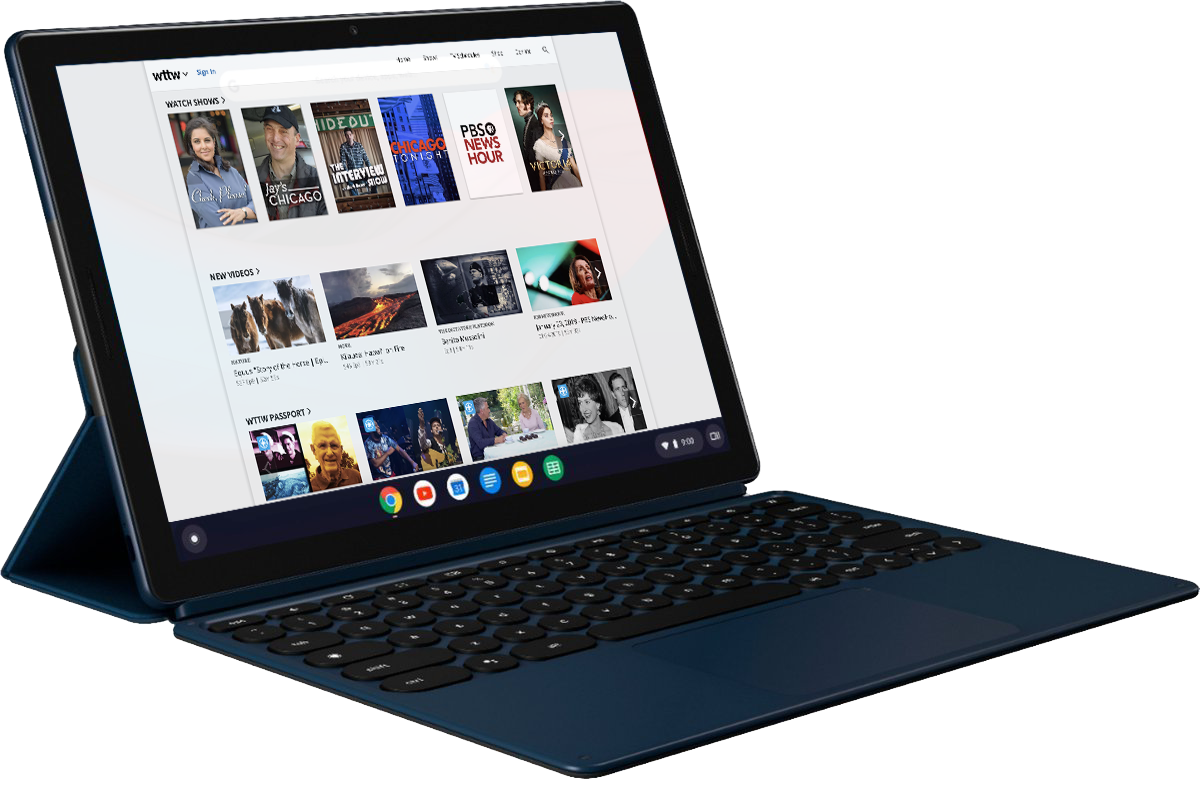
Good news! You can catch up on your favorite WTTW programs like Chicago Stories, Chicago Tonight, and Chicago Tours with Geoffrey Baer — in addition to popular PBS programs like Antiques Roadshow, Masterpiece, NOVA, and PBS NewsHour — on our website on-demand.

Watch WTTW on Mobile
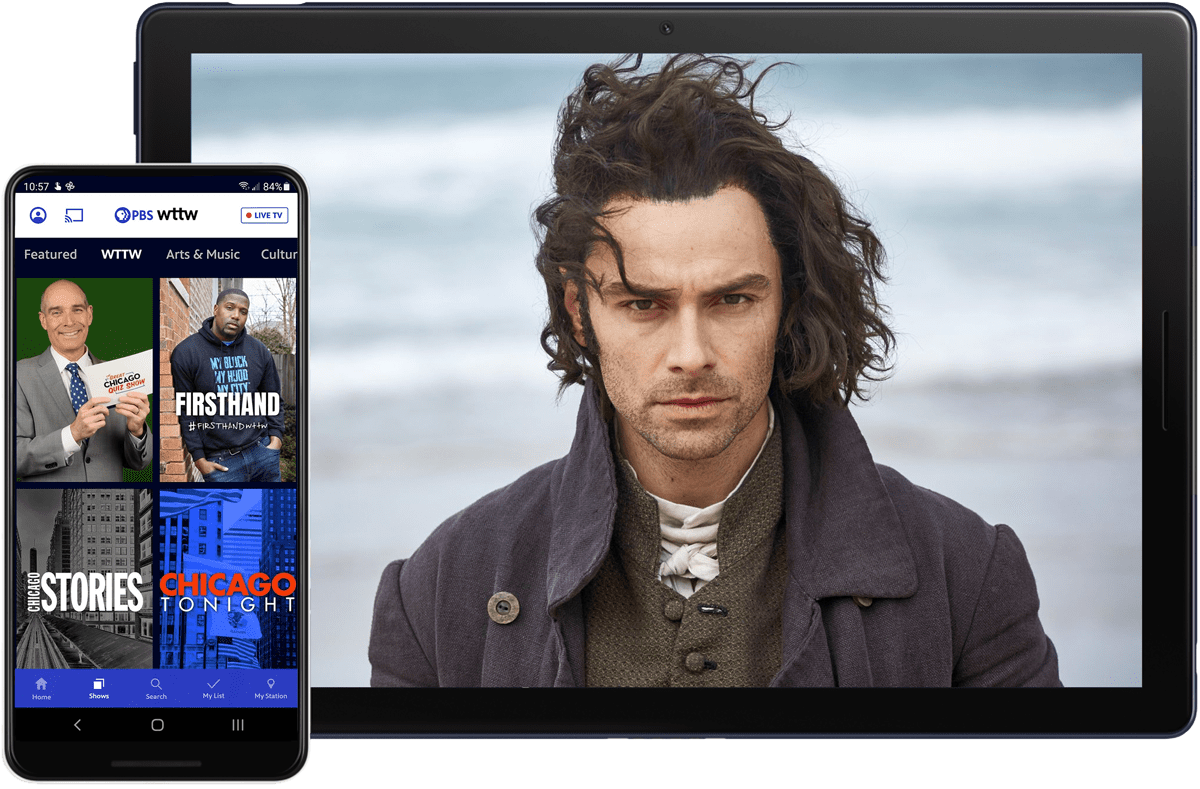
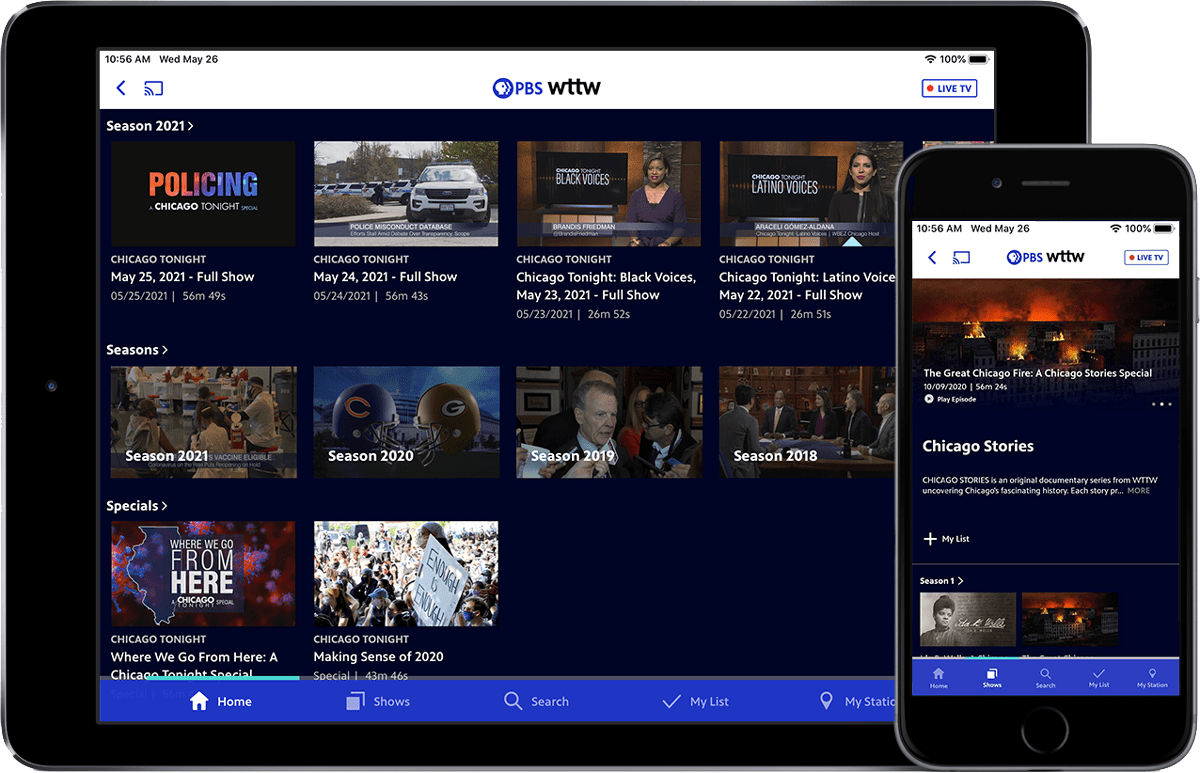
The same great content that is available online and on your TV is also with you wherever you go! Download the PBS Video app for your Android device and iPhone or iPad.


Frequently Asked Questions
Can I live stream WTTW?
Yes! You can watch WTTW's primary channel (11.1) and our WTTW/PBS Kids channel (11.4) live wherever you are. To live stream WTTW, visit wttw.com/live or click the "Live TV" button on the PBS Video app after selecting WTTW as your PBS station. To live stream WTTW/PBS Kids, visit wttw.com/kids. We also stream Chicago Tonight live every night on wttw.com/news, Facebook, and YouTube.
You can also watch WTTW's primary channel live on YouTube TV and DIRECTV Stream if you have a subscription.
What is WTTW Passport?
WTTW Passport is the newest member benefit for WTTW members with a contribution of $5/month or $60/year as a WTTW Sustainer.
If you are not a WTTW member who meets the qualifications above, you can donate and activate WTTW Passport now!
Learn more about WTTW Passport or find answers to Passport FAQs >>
How do I activate the PBS Video app on my device?
- When you are on your device (e.g. Roku, Amazon Fire TV, Android TV, Apple TV, etc.) and receive a message to activate, take note of the activation code. You will use this code in the next step.
- On your computer, tablet, or phone, open a web browser such as Chrome, Firefox, or Safari.
- Type http://www.pbs.org/activate in the address bar.
- Type your activation code in the textbox provided.
- Click Continue.
- Your device has been activated and you can return to it to begin enjoying WTTW videos.
- For the best streaming experience on smart TVs, we recommend using our app on Apple TV, Roku, Chromecast, Amazon Fire TV and Stick, Android Smart TVs, and Samsung Smart TVs (2017+). View a full list of devices we support.